A password, a card number or an ID number can end up in an AI chat with one careless paste. Clotr spots
it first and asks what you want to do, and all of the checking happens on your own device.
Free and open source. If you choose to send a message, it still goes to the AI service.
Privacy shouldn’t require technical knowledge, expensive tools, or opting out of modern life. It should
be the default.
It reads the chat box on ChatGPT, Claude, Gemini and 16 more AI sites while you type, and catches a
photo that still carries the place it was taken before you attach it.
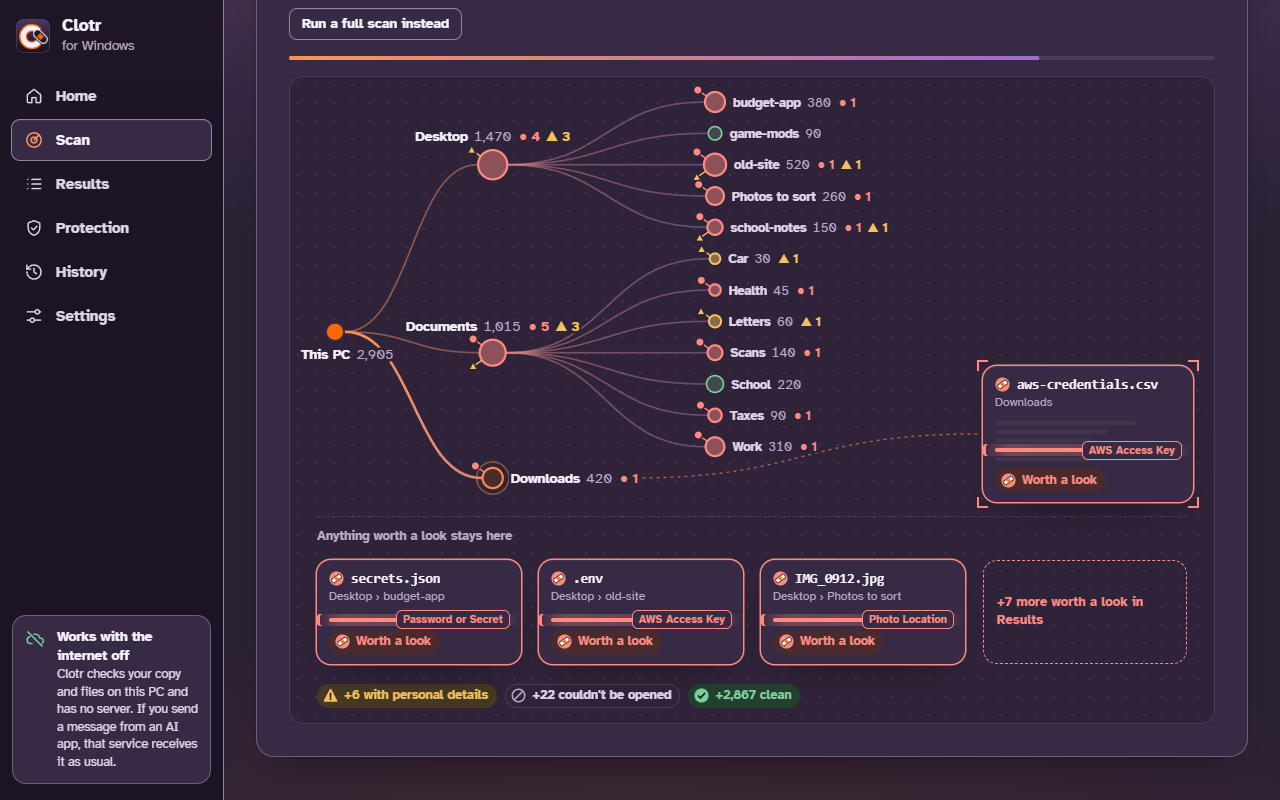
A desktop app that warns you before you paste something private into an AI app. Then it goes
further and looks through your files for passwords, ID numbers and photos that give away a place,
and finishes with a short list of what to fix first.
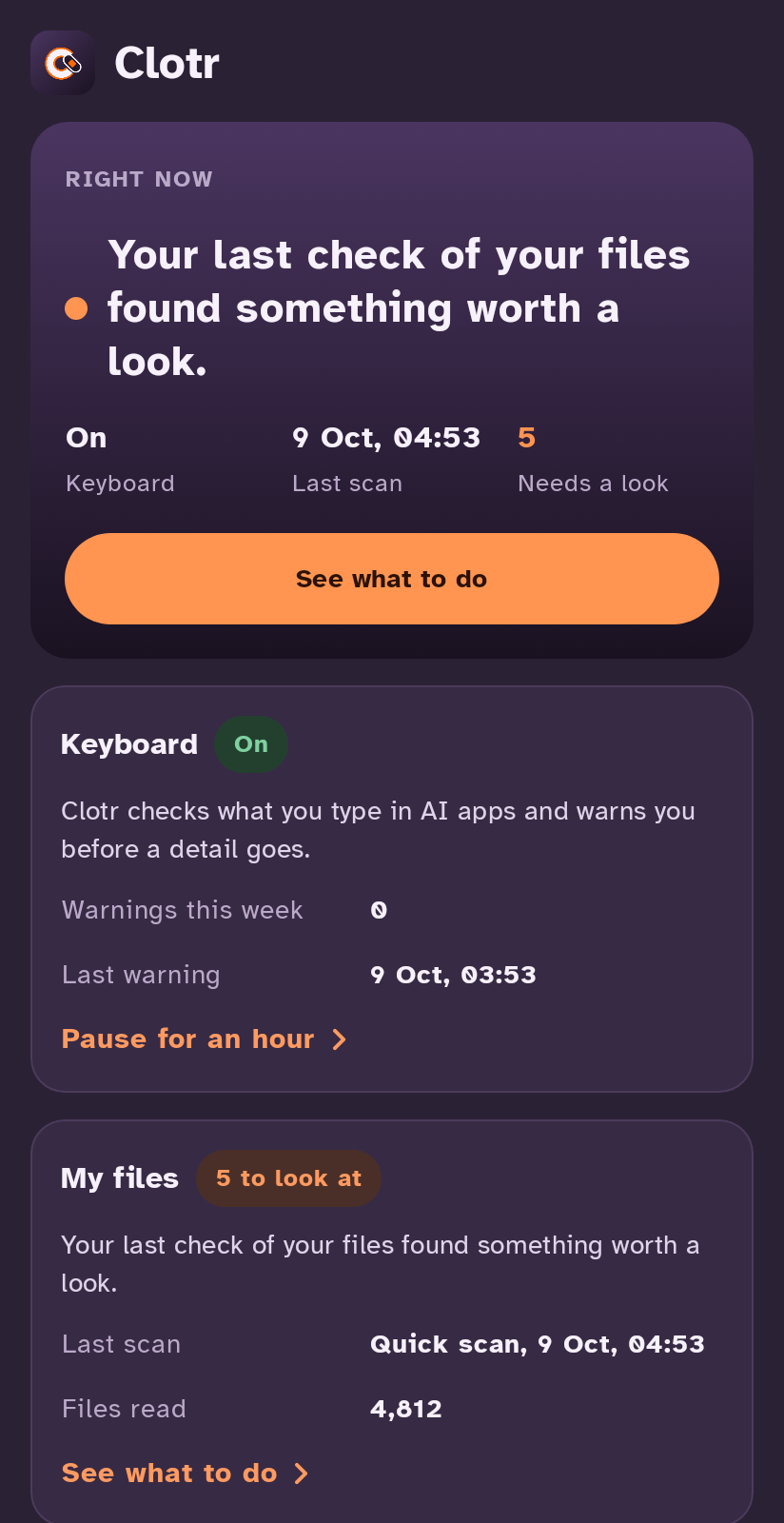
A phone keyboard with Clotr's check behind it, for the AI apps you type into, plus the same file
check the Windows app has. It isn't on Google Play yet, and the next step is a small group of people
using it for two weeks.
Safari and iPhone come later, once Android is out.
What anyone can check
There's no network code in Clotr, and a test fails the build if any is added.
How the test works
Clotr spots private details with plain pattern matching that anyone can read, it never asks an AI
service to do it, and there's no account either.
Read the patterns
The build is reproducible: clone a release's tag, build it yourself, and its checksum matches the
SHA256SUMS.txt published with it.
Check a release